ArcNexus
Operations OS
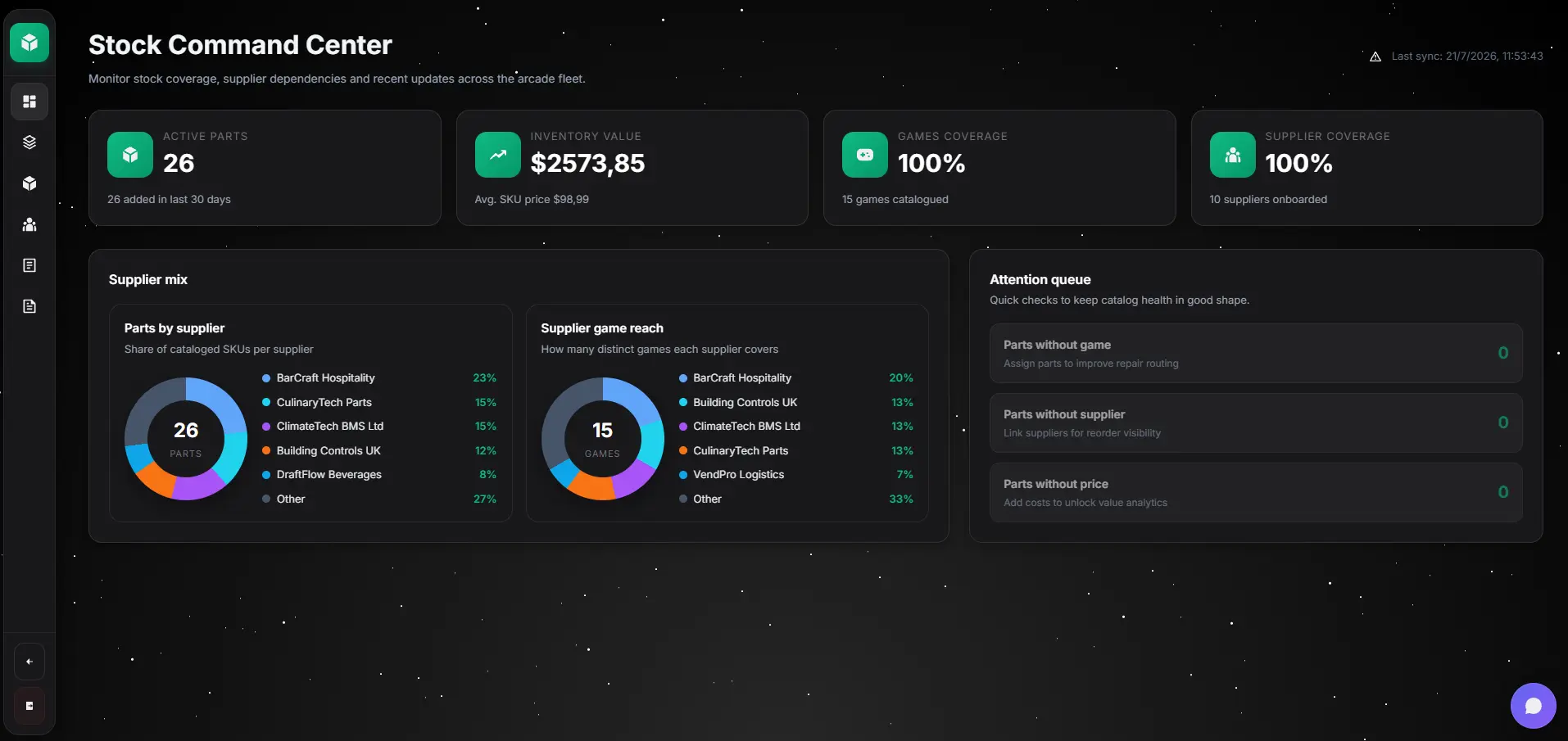
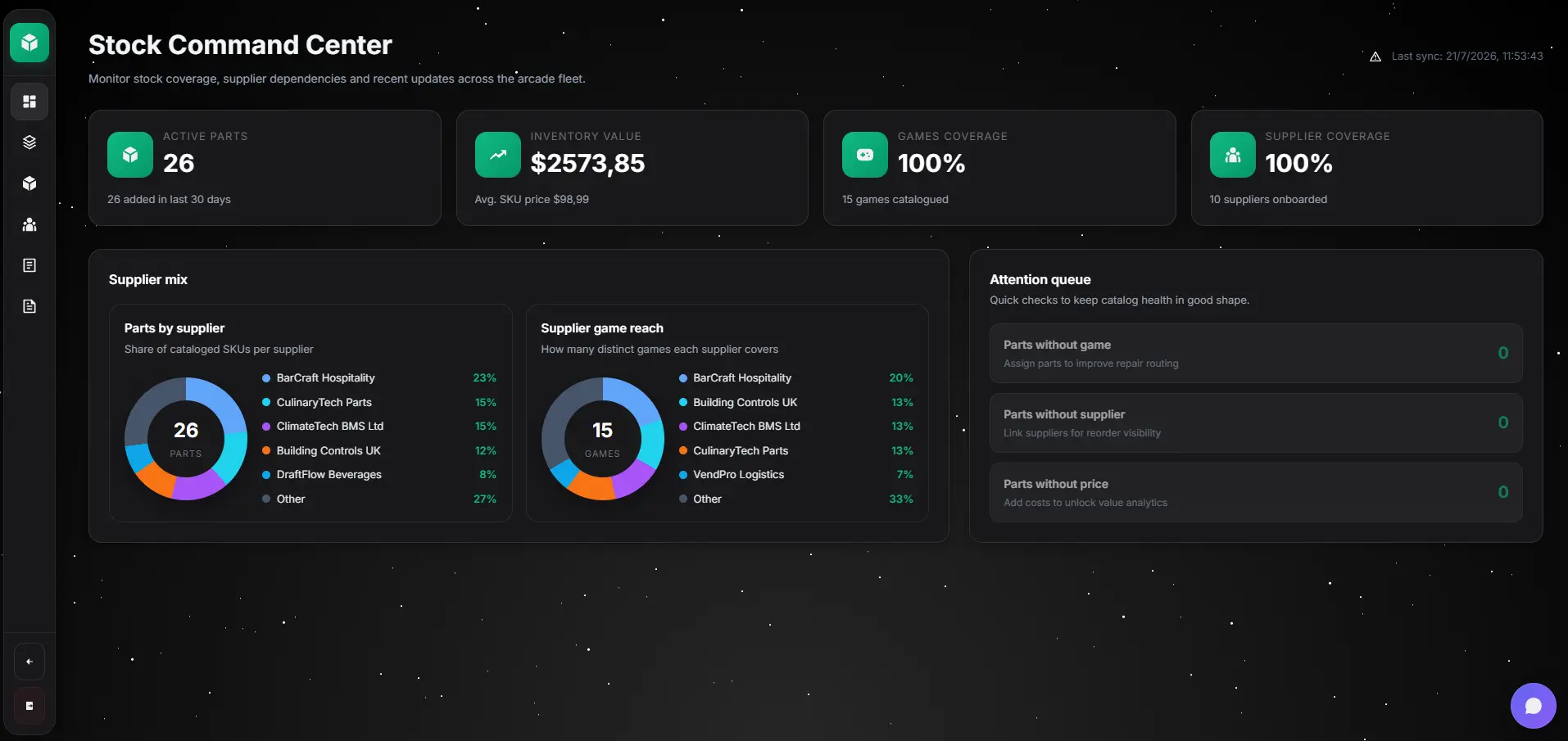
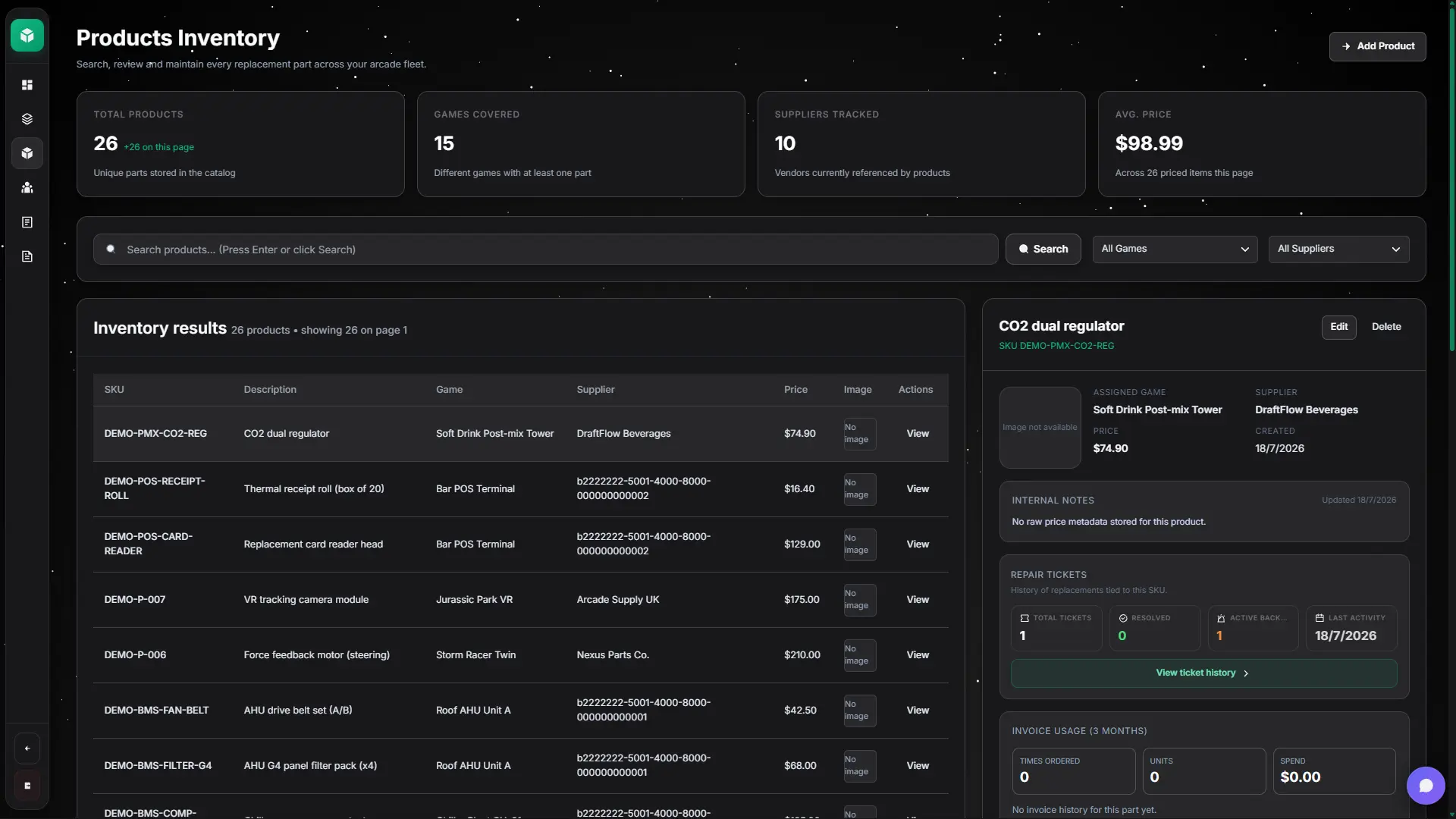
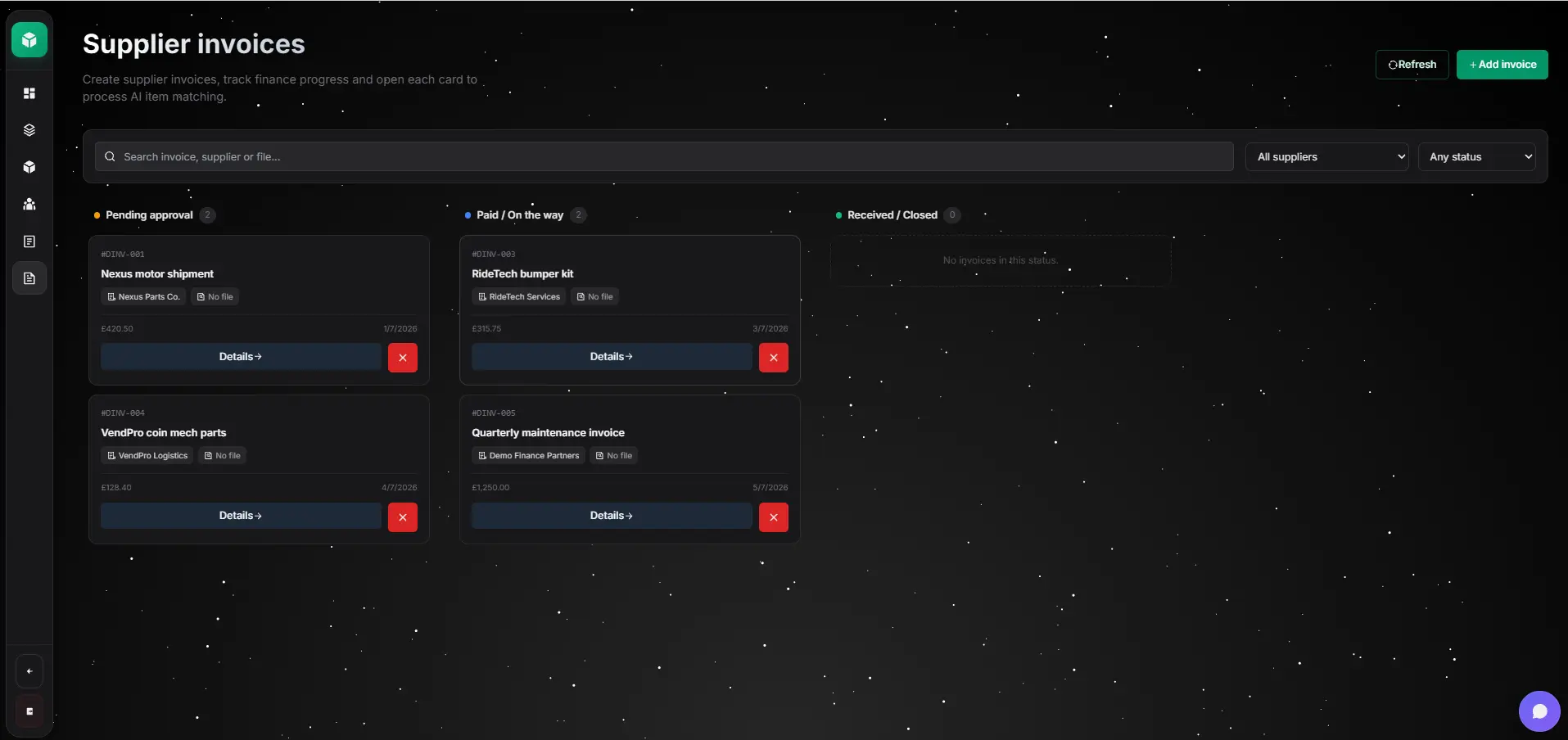
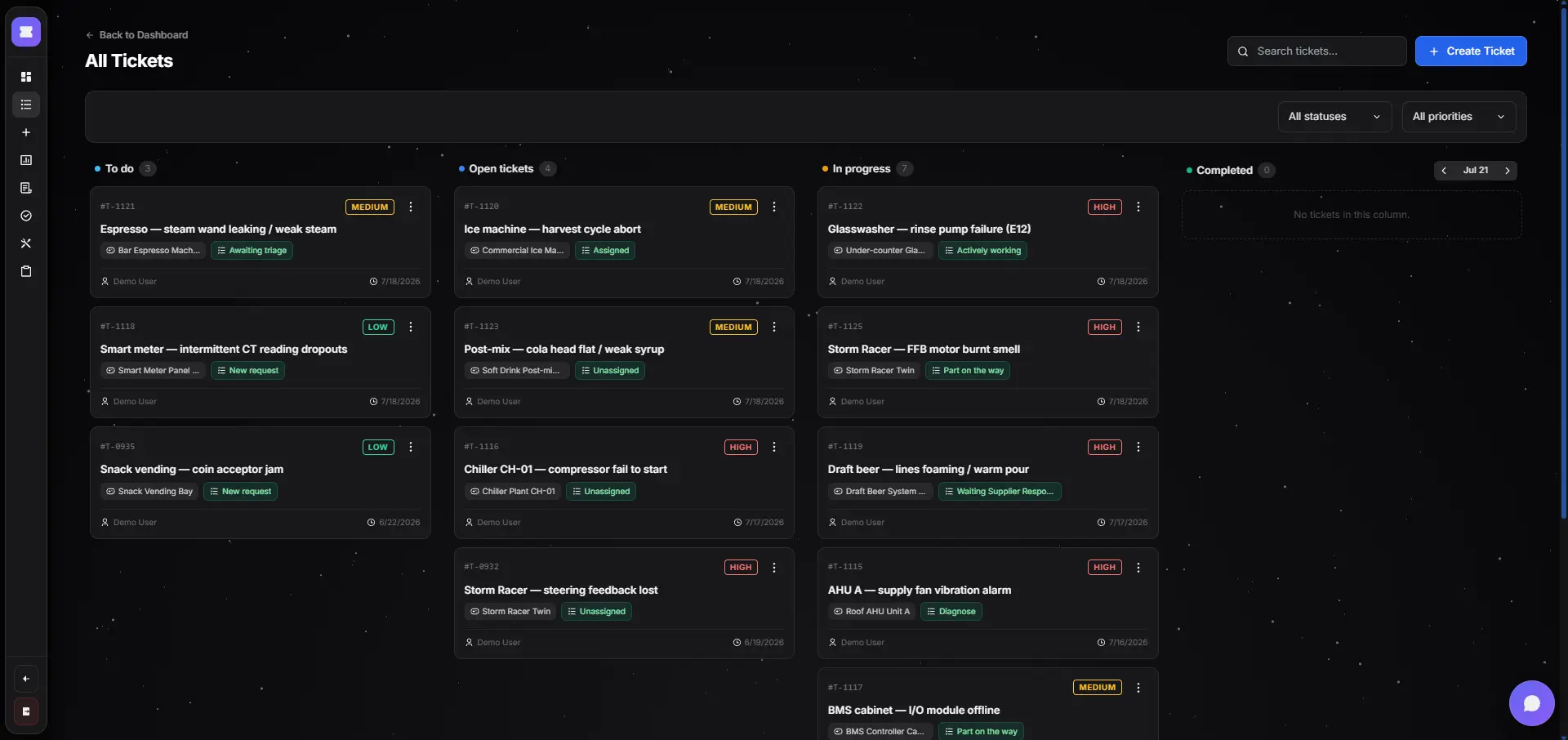
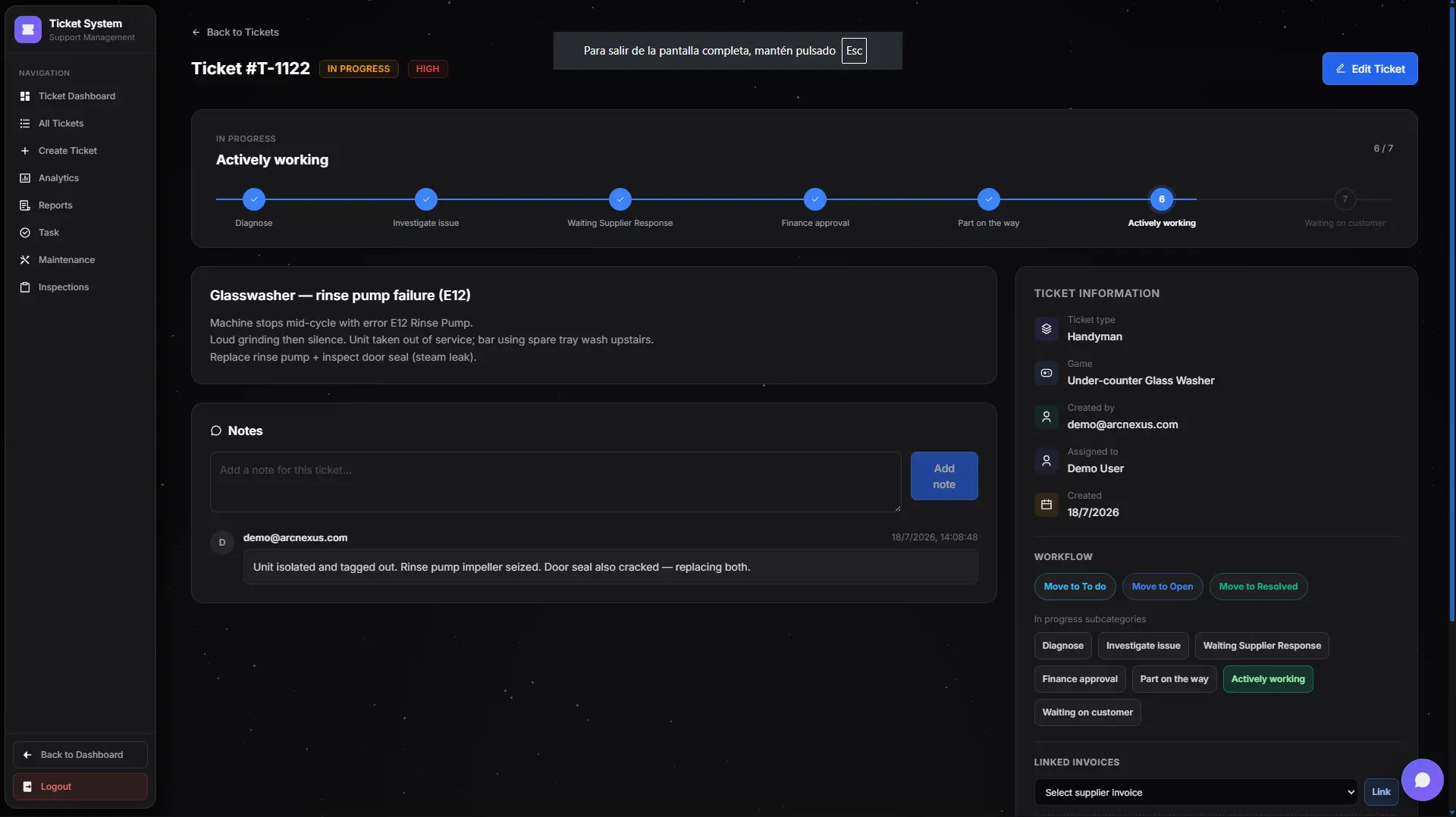
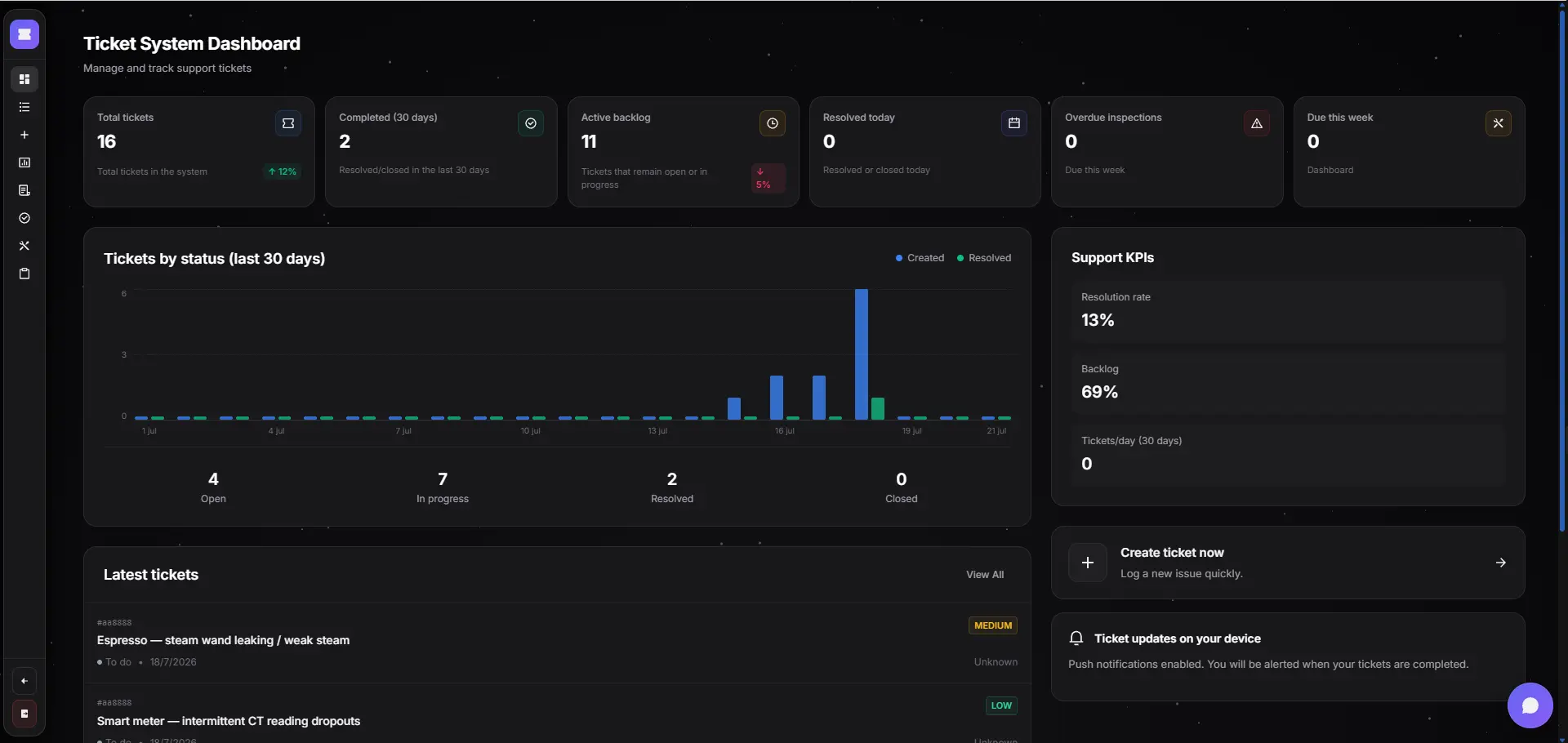
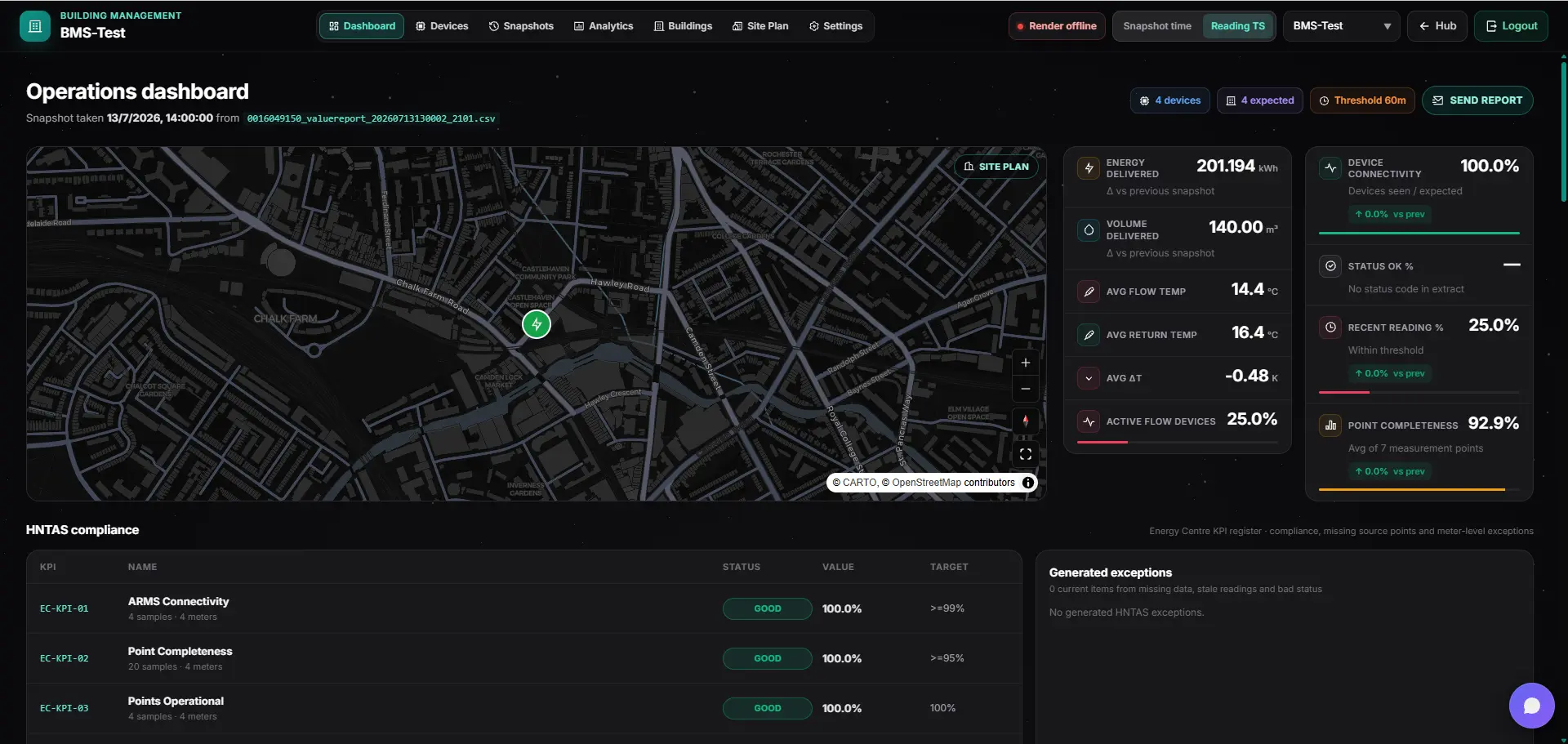
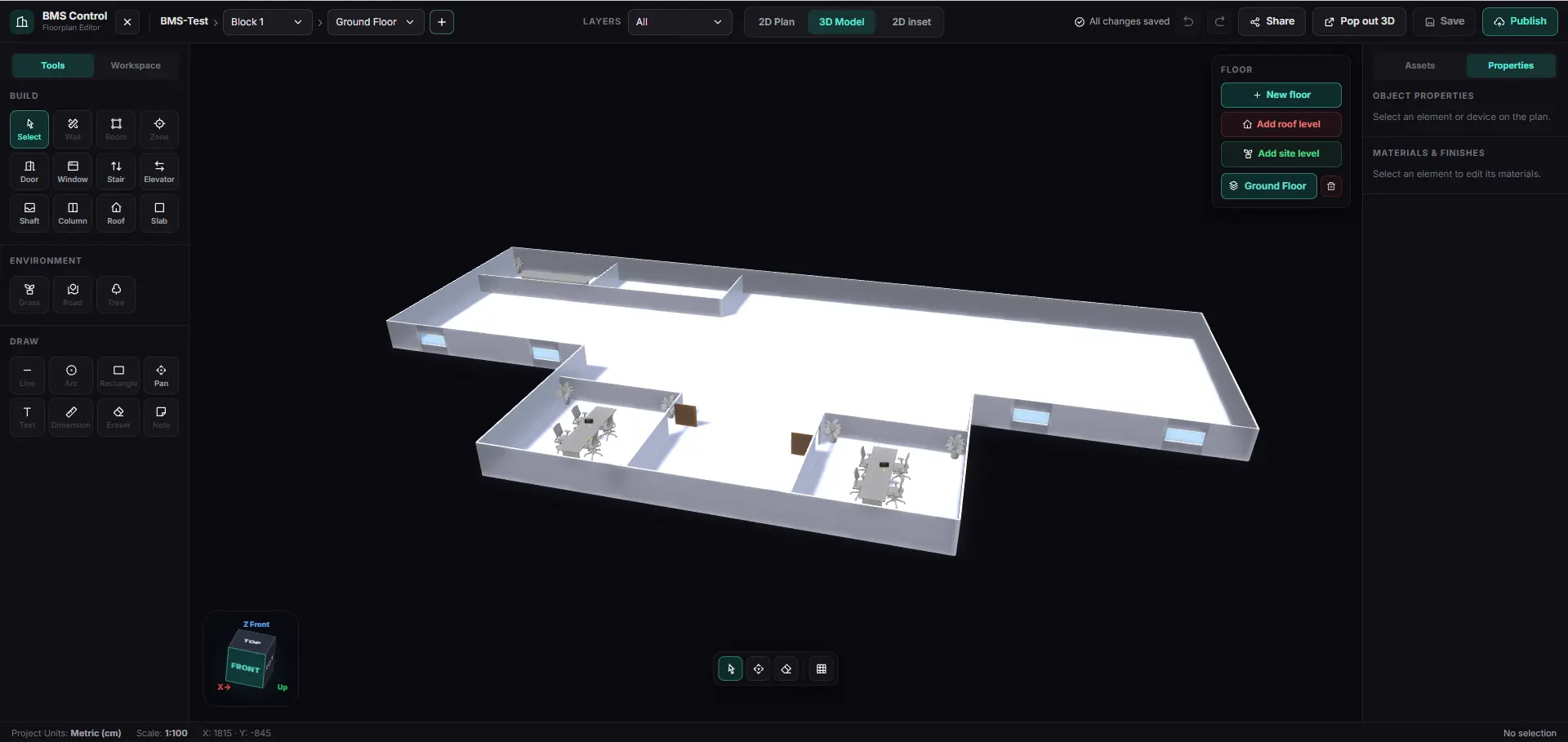
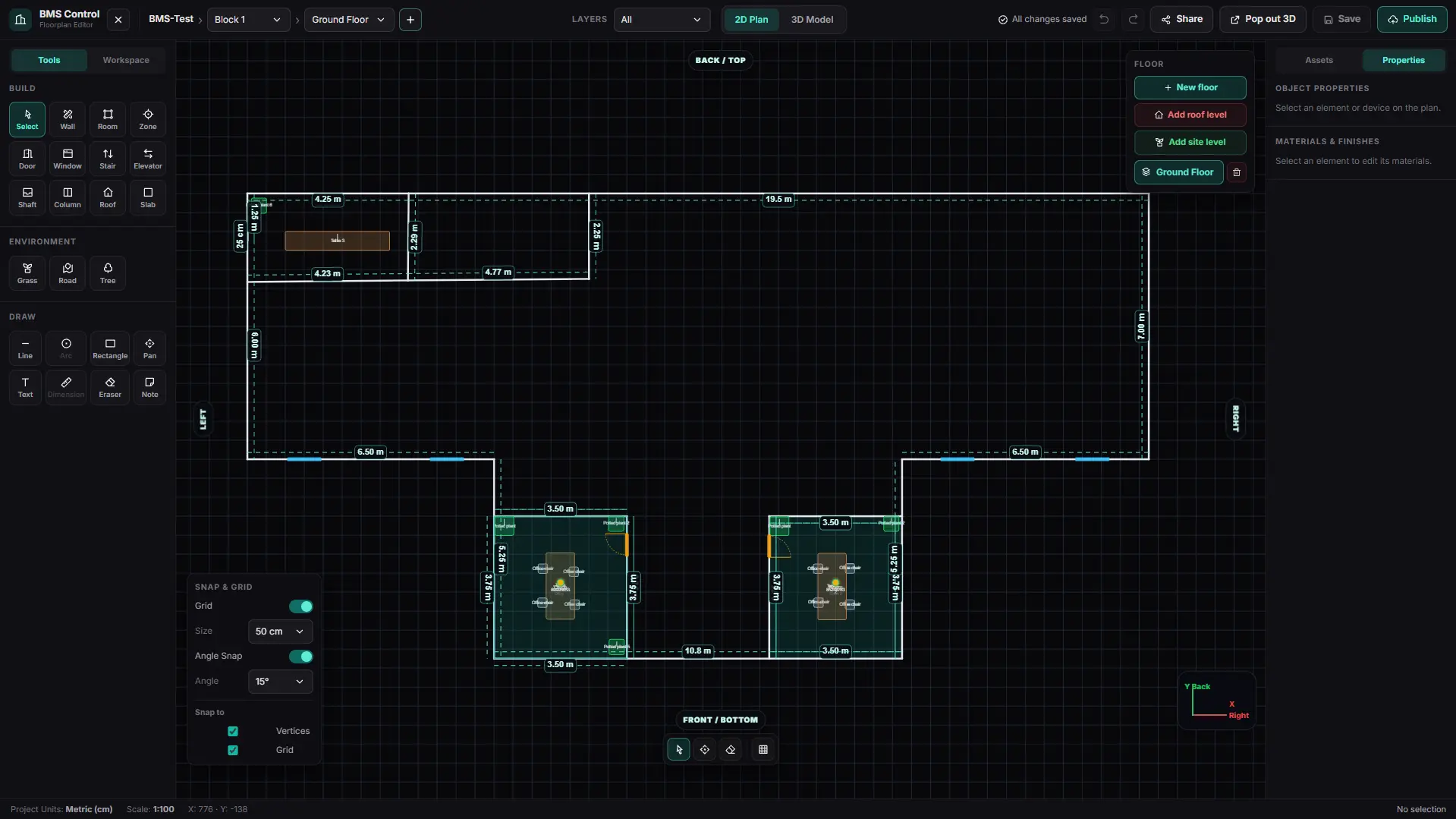
Browse real modules and screens in one glass card — on desktop, tilt follows your cursor.
Operations OS
Unified dashboard: open tickets, active assets, critical stock, and alerts per site — one picture of what needs attention.
ArcNexus doesn't sell isolated modules. It sells connected operational work: every ticket, asset, part, and order stays linked — nothing lost between departments.
A request comes in
Customer request, staff report, maintenance need, or sensor alert — captured in one place, not lost in a call or inbox thread.
A ticket is created and classified
Unique record: who reported it, what is needed, priority, type (incident or service request), site, and when it opened.
Assigned to the right owner
Operations, maintenance, F&B, or facilities — assigned to the right team with SLA, due date, and clear responsibility.
Work is tracked in one thread
Status updates, notes, photos, time spent, and every action logged — reopen if the issue returns.
Linked to operational context
Site, area, asset, device, floorplan, or supplier connected to the ticket when it matters.
Resources coordinated
Parts, purchases, approvals, or external vendors — without switching to Excel or scattered email.
Resolved and communicated
Solution documented, requester informed, managers see closure — nothing left hanging.
History builds over time
Repeat issues, response times, cost per asset, and patterns across sites — data, not memory.
No forced bundles, no bloat. Start with tickets, assets, and inventory; turn on workflows, planner, or BMS when your operation needs them — per site, per team.
Parts and spares linked to assets. Suppliers, orders, and invoices in one place, with low or critical stock alerts.
Core
Register, organize, assign, and track every operational request. Each ticket captures who reported it, what is needed, priority, owner, status, actions taken, and how it was resolved — incidents, maintenance jobs, service requests, or operational tasks.
Core
Equipment catalog per site with detail, maintenance history, calendar, and QR/NFC scanner.
Core
Central asset view, operational floorplan, device status, and real-time alerts per site.
Core
Roles (owner, admin, manager, staff, viewer), module access, and multi-site team management.
Core
Inbox, preferences, and real-time operational alerts: low stock, new ticket, thresholds, critical incidents.
Core
Locations and sites, essential integrations (Gmail, Slack, DHL, OpenAI), branding, and cron tasks.
Core
Event-driven workflows: ticket created → order → alert. Automate repetitive operational flows across modules.
Add-on
Projects, boards, cycles, and calendar for site expansion, refurbishments, audits, or rollouts.
Add-on
Sites, devices, snapshots, analytics, thresholds, and reports for large venues, hospitality properties, or malls.
Add-on
Every module reads and writes the same record — scale from one site to an entire organization without re-plumbing your stack.
One control plane for every role
Manager dashboards, mobile apps for field teams, supplier portals, and a public API — each role sees the slice of the operational record it owns.
Workflows react across modules
Rules listen to the operational record: a stock threshold, a missed SLA, an asset alarm. They draft tickets, orders, and alerts without human relay.
Enabled à la carte per site
Tickets, assets, inventory, site control, users, notifications, planner, BMS — turned on per site as the business matures. No forced bundles, no bloat.
One graph, not siloed apps
Sites, assets, work, stock, suppliers, and costs linked in a single graph. Every module reads and writes the same record — no sync, no duplicates.
Floorplans, zones, devices
Locations mapped to floorplans, zones, and device maps. Per-site configuration, permissions, and module activation — built for multi-tenant from day one.
RBAC, multi-tenant, secure
Owners, admins, managers, technicians — role-based access across orgs, sites, and modules. Tenant isolation, audit trail, and SSO-ready identity.
We don't sell a giant platform on day one. We sell a concrete solution with global reach.
Polish branding, secure Stock + Tickets + Assets flow, prepare demo and commercial landing.
Configure one real site, import assets and stock, measure baseline metrics, and deliver the first executive report.
Full multi-site, per-site and global reports, automations, advanced integrations, and SLA.
In the demo we map one real flow — request → ticket → asset/parts → close — and show how a single-site pilot starts with three modules.